Why did the bank statement import fail or show a warning?
On a bank account’s page you clicked Uvozi izpisek (Import statement) and uploaded a file, and instead of a confirmation a message appeared. Each message starts with the name of the file that caused it, so with several files you can see which one had the problem.
There are two kinds of message. A refusal means no transaction from the file was imported. A warning means the transactions were imported, but the program could not check something or skipped part of the file.
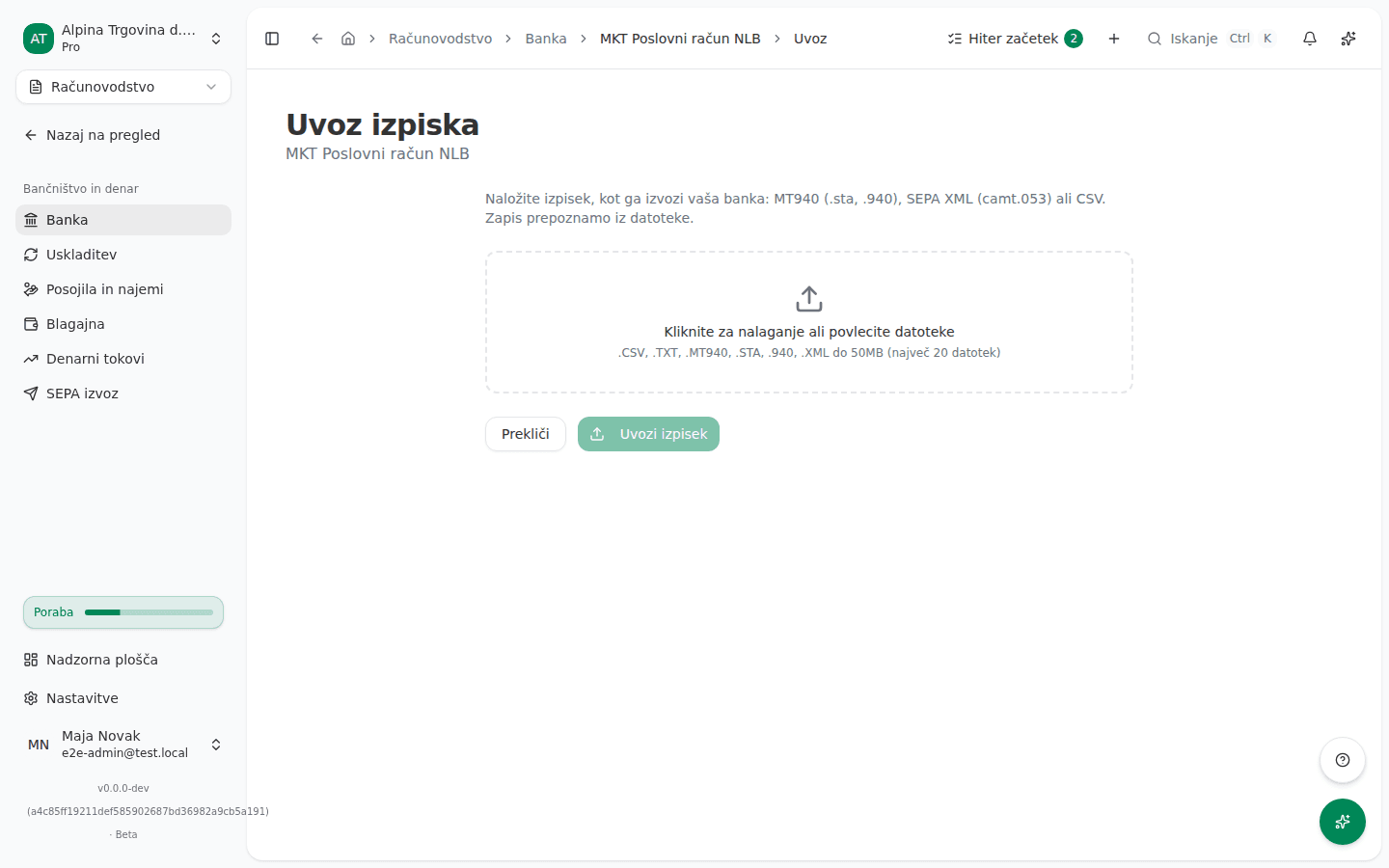
What the screen says
The statement does not balance (refusal)
Izpisek se ne ujema: začetno stanje 12.450,00 in 23 postavk (1.204,50) daje 13.654,50, končno stanje izpiska pa je 13.554,50, razlika je 100,00. Ta izpisek pred uvozom primerjajte z bančnim izpiskom.
(“The statement does not balance: opening 12,450.00 plus its 23 lines (1,204.50) comes to 13,654.50, but its closing balance is 13,554.50, a difference of 100.00. Compare that statement with the bank before importing.”) If the file holds several statements, the message says which one, by position and date, fails to balance and how many in the file do.
The file cannot be read (refusal)
V tej datoteki CSV ni bilo najdenih transakcij. Preverite imena stolpcev in ločilo, nato izpisek znova izvozite iz banke.
(“No transactions were found in this CSV file. Check its column headings and separator, then export it from the bank again.”)
Datoteke CSV ni bilo mogoče prebrati: …
Datoteke ni bilo mogoče prebrati kot bančni izpisek: …
(“The CSV file could not be read” and “The file could not be read as a bank statement”.) After the colon comes the reason as the file reader returned it, in English.
Part of the file was not imported
Izpisek 2 se glasi na drug račun (…) kot glavni račun te datoteke (…), zato so bile preskočene 4 transakcije. Izpisek tega računa uvozite ločeno.
Vrstica 17 je bila preskočena: …
Postavke 5 na izpisku 2 ni bilo mogoče prebrati, zato je bila preskočena: …
Vrstice 17 ni bilo mogoče uvoziti: …
Datoteka vsebuje postavke izpiska, vendar nobene ni bilo mogoče prebrati kot transakcijo.
Ta datoteka MT940 ne vsebuje transakcij.
In order: a statement for another account was skipped; a CSV row was skipped; one entry in a statement could not be read; one row could not be saved; none of the entries could be read as a transaction; the MT940 file carries no transactions.
The transactions were imported, but the balance was not checked
Izpisek ni vseboval začetnega in končnega stanja, zato postavk ni bilo mogoče preveriti ob njem. Stanje računa primerjajte z banko sami.
2 izpiska od 5 v tej datoteki nista vsebovala začetnega in končnega stanja, zato ju ni bilo mogoče preveriti.
Vsak izpisek v tej datoteki se izide sam zase, skupaj pa ne tvorijo neprekinjenega zaporedja: 12.450,00 in vse postavke (1.204,50) dajo 13.654,50, končno stanje pa je 12.900,00, razlika je 754,50. V tej datoteki manjka obdobje s prometom; preverite, ali je bilo uvoženo ločeno, ali pa znova izvozite celotno obdobje.
In order: the statement carried no opening or closing balance; some statements in the file had none; every statement balances on its own, but together they leave a gap, so a period with movement is missing from this file.
Why this happens
- Every statement is checked before anything is written. Its opening balance plus all its lines must come to the closing balance the bank states. If they don’t, part of the movement is missing or extra, so the program imports nothing from the file. That keeps an incomplete statement out of reconciliation.
- Another account’s statement is not mixed into this one. A file can hold statements for several accounts. The program imports only those for the file’s main account and skips and reports the rest. If the file’s main account does not match the account you are importing into, the import is refused.
- An unreadable row is never dropped silently. A row with no readable date or amount is skipped and listed, so the import is never quietly short a transaction.
- No balances, no check. A CSV file usually has no opening or closing balance, so the program imports it but cannot confirm the balance. For a file with several statements it says how many it could not check.
- Statements in one file must follow on from each other. If each balances but a period with movement is missing between them, the program imports and warns about the gap. Only you can tell whether the missing period was already imported from another file.
What to do
- For a refusal because the statement does not balance: export the statement from online banking again, for the whole period from the opening to the closing balance, and upload it in full. If the difference repeats, compare the sum of the lines with the bank’s paper or PDF statement.
- For a file that cannot be read: check that you exported a statement with individual transactions (MT940, SEPA XML camt.053 or CSV), not a turnover summary. For a CSV, check it has a row of column headings and a consistent separator.
- For another account’s statement: in the Banka (Bank) list open the right bank account and import that account’s statement there. If the account doesn’t exist yet, add it first.
- For skipped rows: find the named row or entry in the file and enter the transaction by hand if needed.
- For a balance or gap warning: on the account’s page open the Uvoz izpiska (Statement import) tab and look at Preverjanje stanja (Balance check) for that import. Compare the account’s balance in VegaERP with the bank’s for the same day.
Importing the same file again is safe: transactions already imported are skipped, not duplicated.
What success looks like: a confirmation shows the number of imported transactions, and the import carries the Stanje se ujema (Balance matches) badge on the Uvoz izpiska tab.
If you can’t fix this yourself
The refusal because the statement belongs to another account is currently shown in English. It means the same as above: upload the file to the account it belongs to. If you are sure the account is right, check the account number stored in VegaERP as described in Bank accounts and your first statement import.
If your bank exports a statement that still does not balance after a fresh export, contact support and attach the file.