Correcting a filed payroll run
A filed payroll run cannot be edited. Instead you create a correction: a new run that references the original one and carries the corrected inputs. The original run stays untouched as the record of what was filed at the time.
Create the correction
A correction starts from the run, not from the Corrections page.
- In the left menu choose Payroll, then Runs, and open a filed run.
- Click More actions (the three-dot button, top right).
- Choose Create correction.
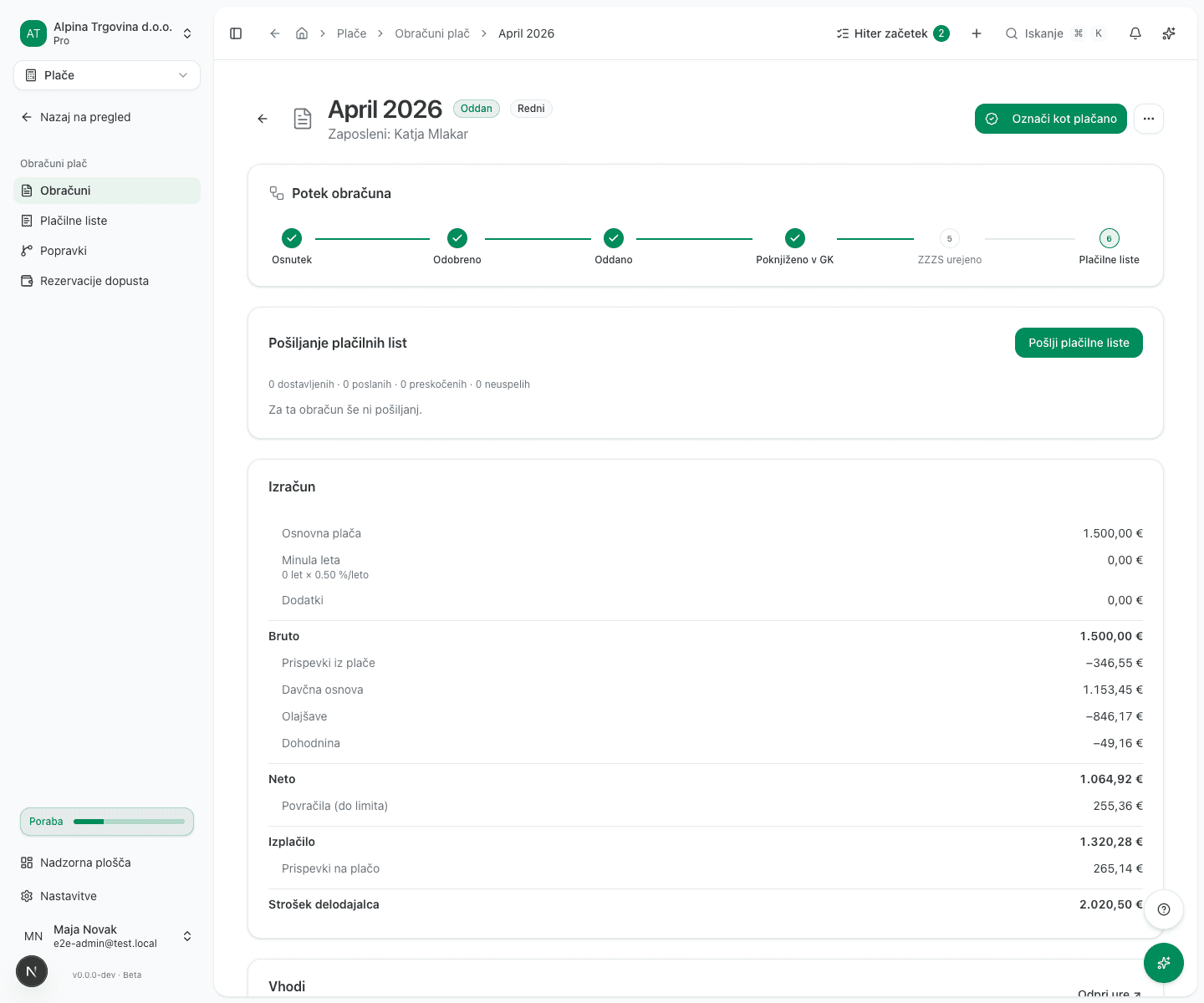
The action is offered only on a run whose status is Filed or Paid, and never on a run that is itself a correction. You cannot correct a correction.
- Correct the inputs. The form has three sections:
- Hours: Regular hours, Overtime hours, Night hours, Sunday hours and Holiday hours, plus Contract hours (period) and Actually paid hours (period).
- Employee details: Tenure (years), Dependent children and Bank account (IBAN).
- Reimbursements: Meal allowance days, Commuting km and Per diems (domestic).
- Approve and file the correction the same way as an ordinary run. The payment date is filled in with the payment date of the original run: FURS does not let a correction change it, so the app refuses any other date. If the original payment date was wrong, withdraw the REK-O at eDavki with a storno and file a new original there by hand. A later date is accepted only when the correction adds a severance pay (odpravnina) or an unused vacation payout that was not filed before, because that payout gets its own original REK-O. If the rules of that later date give the payout different figures (a new tax year, or a new average monthly wage that moves the tax-free part of a severance pay), the app refuses the correction and names the figure. File it by hand at eDavki then: the wage correction with the original payment date, and the payout’s own REK-O with its real date.
Absences are not corrected in this form. An absence reaching into a filed period is locked, and the correction is calculated from the hours you enter here.
What is posted to the general ledger
A correction posts the difference between the original and the corrected amount, not the whole journal again. The original journal entry stays as it was.
This is why a correction has no retry-posting button. That button starts a posting of the whole journal, which on a correction posts nothing at all and at the same time clears the recorded error: the warning would turn green and the correction would drop out of the automatic hourly retry. The delta would stay unposted with nothing anywhere to show it.
Sometimes the delta cannot be posted, because the accounting period is locked or because the original run was never posted. The run says so. Clear the cause and wait: an automatic reconciliation retries every hour.
Interest
Where a correction increases the amount owed, the app calculates late-payment interest from the original run’s statutory deadline to the correction date. The deadline runs from the original run’s actual payment date, not from a default day of the month.
The REK-O correction
Correcting the run does not file a REK-O correction by itself. That is a separate step: in the REK-O tab, create a correction submission, which references the original submission’s document number.
A REK-O correction is only possible for a run you filed from this app, because it needs the original submission’s document number. For a run filed by a previous provider, file the correction with FURS directly.
If the original run filed an odpravnina on its own REK-O, each of the two forms gets its own correction, and each references its own original’s document number. If the corrected run no longer pays the odpravnina, the app does not correct the odpravnina form: after you file the correction it tells you so, and you file that form’s correction by hand at eDavki.
If the correction adds an odpravnina or an unused vacation payout that the original run did not pay, a correction cannot carry it: FURS does not allow a correction to change the type of income. The app files that income on a new original REK-O of its own instead, and leaves it out of the wage correction. When you create the wage correction, the new form appears beside it. File the new form first; the app holds the wage correction until FURS has it. A later correction of the same month corrects that new form, it does not file a second one.
Common issues
“Create correction” is not in the actions. The run is not Filed or Paid, or it is itself a correction.
The delta was not posted. The accounting period is most likely locked, or the original run was never posted to the ledger. Clear the cause; the retry is automatic.