Collective-agreement supplements (KPD)
Where a sector collective agreement binds your company, the supplement rates it sets are often higher than the statutory minimum. This is where you record them so payroll uses them.
Until an override is recorded, payroll uses the statutory minimums. If an agreement with higher rates binds you, the supplements are calculated too low. Nothing shows this as an error.
Open the setting
In the left menu choose Settings, then Collective agreements (KPD) under payroll integrations.
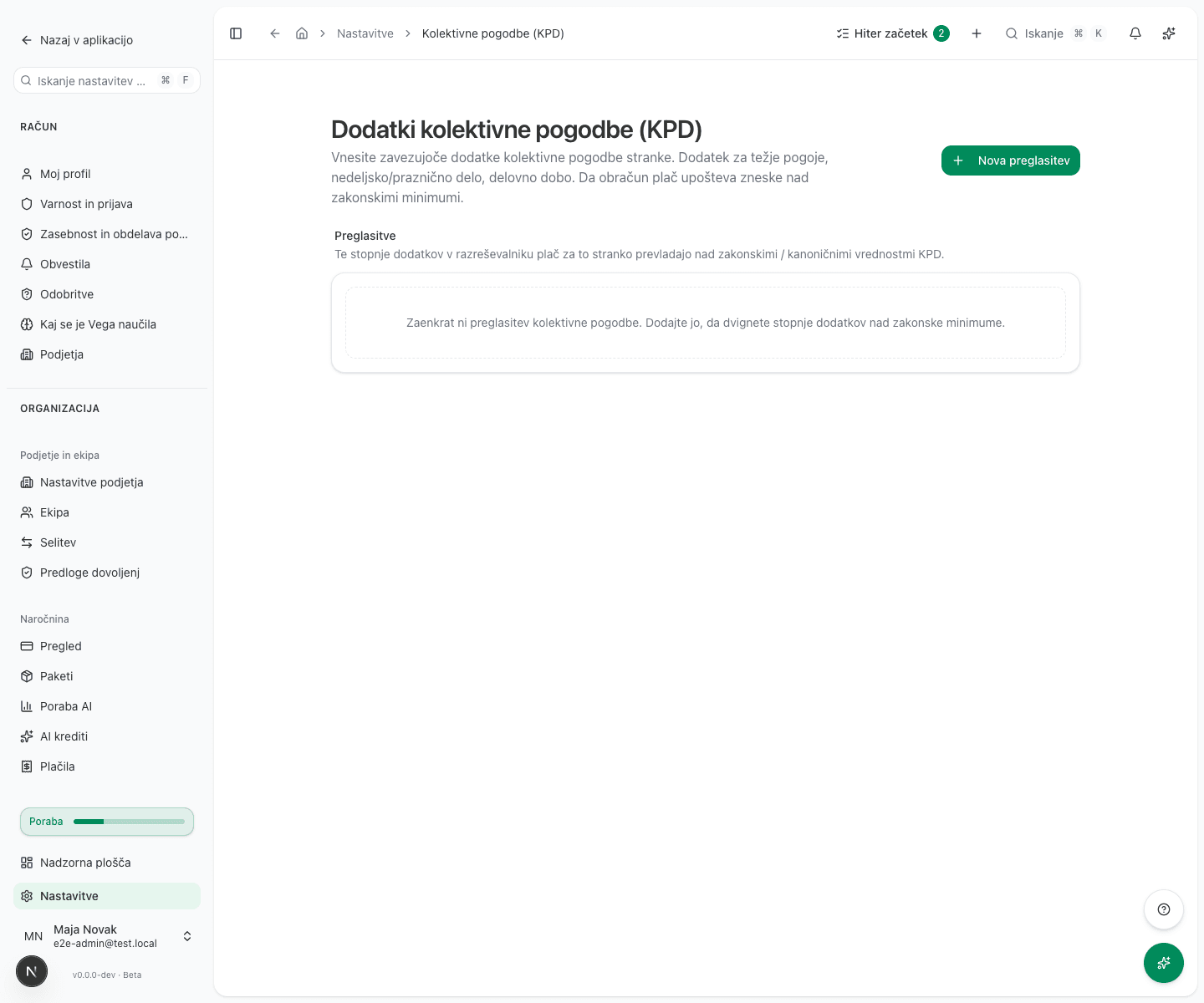
An administrator or an accountant can edit the page. Recording a binding agreement is transcribing an external legal fact rather than choosing what to pay, which is why an accounting firm running a client’s payroll can reach it too.
Add an override
- Click New override.
- Set Applies to KPD. This is the most important choice on the form, described below.
- Enter Valid from, the date the agreement takes effect. The rates apply to payroll runs from that date onward. Leave Valid to empty while the agreement is still in force.
- Enter the rates your agreement sets:
- Overtime
- Night work
- Sunday work
- Public holiday
- Hard conditions / hazard pay
- On-call
- Seniority (per year)
- Click Create override. When you edit a record you already saved, the button reads Save changes instead.
Only enter the rates your agreement actually raises. Where there is no override, the statutory value stays in force.
Applies to KPD: who the override actually covers
An override does not cover every employee. It covers only those whose employment contract has the same collective agreement assigned as the one you pick in Applies to KPD.
The default is No KPD (statutory / generic). That override covers only employees whose employment contract has no collective agreement assigned at all.
If your employees have a sector collective agreement assigned on their contracts, an override left on the default No KPD (statutory / generic) does nothing for them. Payroll keeps using the canonical rates for their agreement, and reports no error.
Where your employees are under different collective agreements, record one override per agreement. A single override covering all of them cannot be recorded.
How they are applied
The rates you record take precedence over the canonical values of the agreement they target. Because Valid from is part of the record, a run for an earlier period uses the rates in force then. A new agreement does not retroactively change months already calculated.
Common issues
Supplements are calculated at the statutory minimum. Check Applies to KPD first: if it is set to No KPD (statutory / generic), employees with an assigned sector agreement do not receive the override. Otherwise no override has been recorded, or its Valid from date is later than the payroll period.
The override applies to only some employees. Their contracts carry different collective agreements. Record a separate override for each one.
A new agreement does not apply to last month. That is deliberate. To change an already-filed run, use a correction.