Receiving and shipping goods (delivery notes)
Delivery notes (dobavnice) record the physical movement of goods through the warehouse — separately from the invoice, which records the financial side. There are two directions: Prejete dobavnice (“Received delivery notes”, goods from suppliers) and Izdane dobavnice (“Issued delivery notes”, goods to customers).
Receiving goods from a supplier
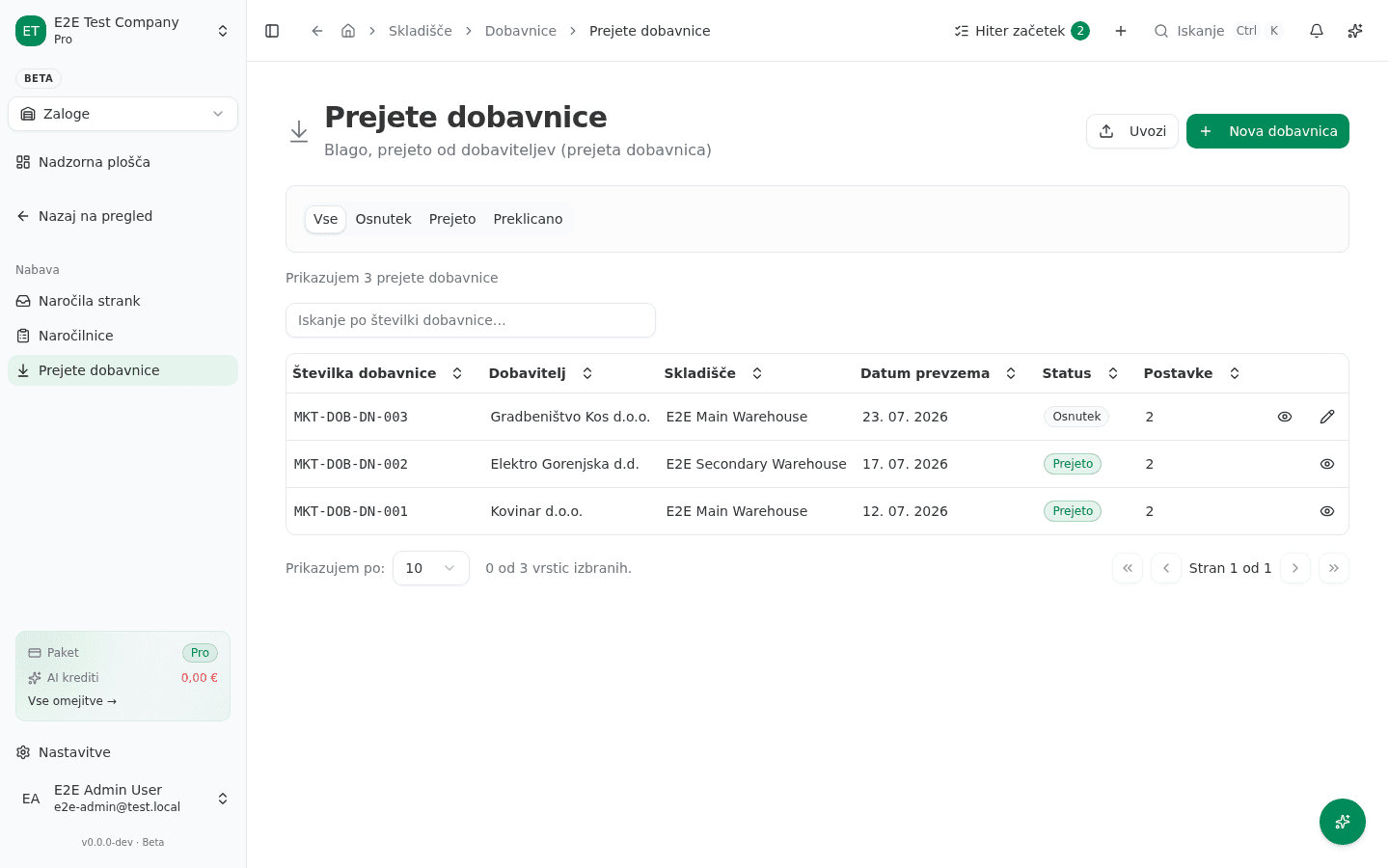
- In the left sidebar, go to Skladišče → Prejete dobavnice (“Warehouse → Received delivery notes”).
- Click Nova dobavnica (“New delivery note”).
- Fill in Dobavitelj (Supplier), Skladišče (Warehouse), Datum prevzema (Receipt date), and optionally Referenčna številka (e.g. a purchase order number).
- Add Postavke (“Items”): for each, pick a product or enter a free-text line, then enter Količina (Quantity) and Nabavna cena (Purchase price).
- Save it as Osnutek (“Draft”) if the goods haven’t physically arrived yet, or click Prejmi (“Receive”) once you’ve actually taken delivery — the app asks you to confirm, because this increases stock.
Shipping goods to a customer
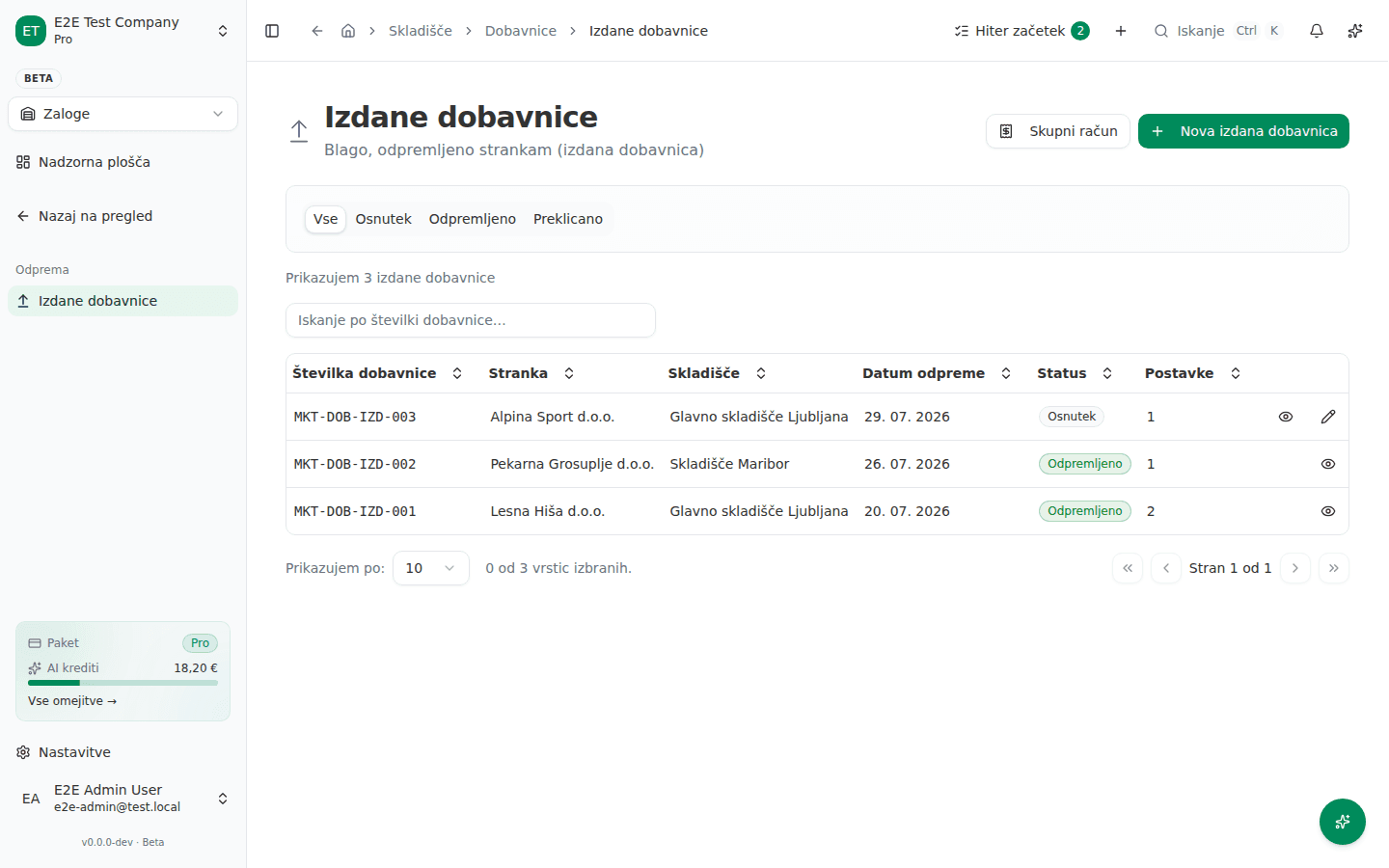
Most issued delivery notes are generated automatically — from an invoice, a production order, or a service work order — so an empty list here is normal if you haven’t shipped anything through one of those paths yet. You can also create one directly:
- Go to Skladišče → Izdane dobavnice (“Warehouse → Issued delivery notes”) and click Nova izdana dobavnica (“New issued delivery note”).
- Choose the customer, the source warehouse, and the items.
- Once the goods are physically ready to leave, click Odpremi (“Ship”) — this records the outbound stock movements and decreases stock in the chosen warehouse.
Common failure
- A delivery note can’t be edited. Once a note is marked Prejeto (Received) — or shipped — its fields lock. If a quantity was wrong, don’t look for a fix on the note itself; check Inventura (“Inventory count”) to reconcile the actual stock instead.
- An issued delivery note is missing even though you sent an invoice. Check the document trail on the invoice or deal (Povezani dokumenti / Potek dobave — “Related documents” / “Delivery journey”) — the note is likely still sitting in Draft, waiting to be shipped, not lost.
Last updated on