Bank statement matching
VegaERP imports bank statements and helps you match each transaction against an open invoice or expense, rather than leaving reconciliation as a manual spreadsheet exercise.
Importing a statement
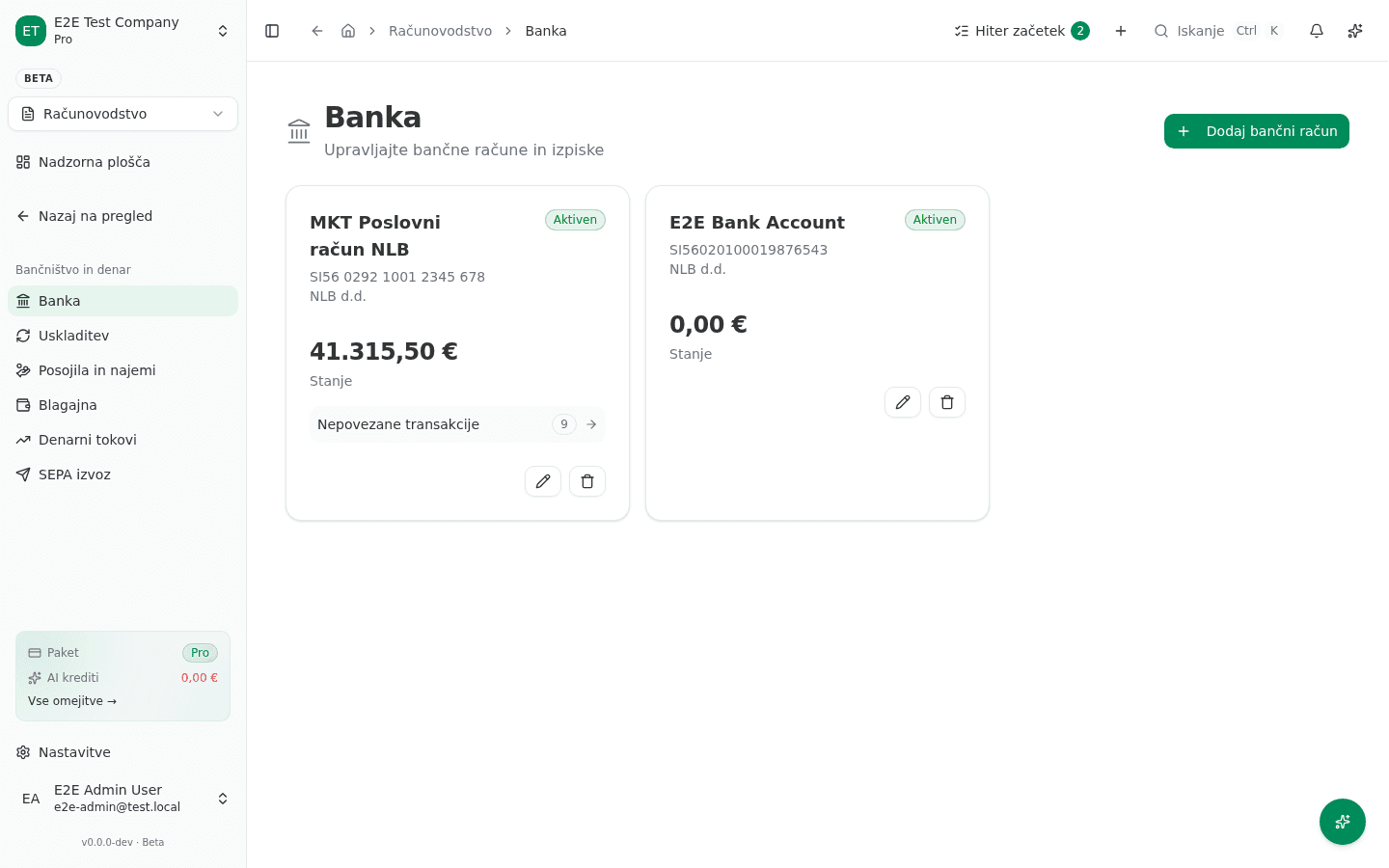
- Go to Računovodstvo → Bančništvo in denar → Banka (“Accounting → Banking & cash → Bank”), open the account, and choose Uvozi izpisek (“Import statement”).
- VegaERP accepts MT940, CSV, and SEPA XML (camt.053) — the formats most Slovenian banks export — and auto-detects the format by default. Each transaction is parsed into amount, date, counterparty IBAN, and the reference/purpose text the bank provides.
Reviewing matches
- Go to Računovodstvo → Bančništvo in denar → Uskladitev (“Reconciliation”). Every unmatched transaction is bucketed by confidence: Zanesljivo (strong), Srednje (medium), and Šibko (weak) — shown as counts at the top of the page.
- For each transaction, VegaERP proposes candidates in order of confidence:
- Reference number match — the payment reference matches an invoice’s payment reference exactly.
- IBAN + amount match — the counterparty’s IBAN matches a known partner and the amount matches an open invoice.
- Amount-only or fuzzy match — ranked by amount proximity and partner-name similarity for manual confirmation.
- Click a transaction on the left to see its suggested matches on the right, then confirm the correct one. Confirming closes the corresponding open item (invoice or expense) and books the payment.
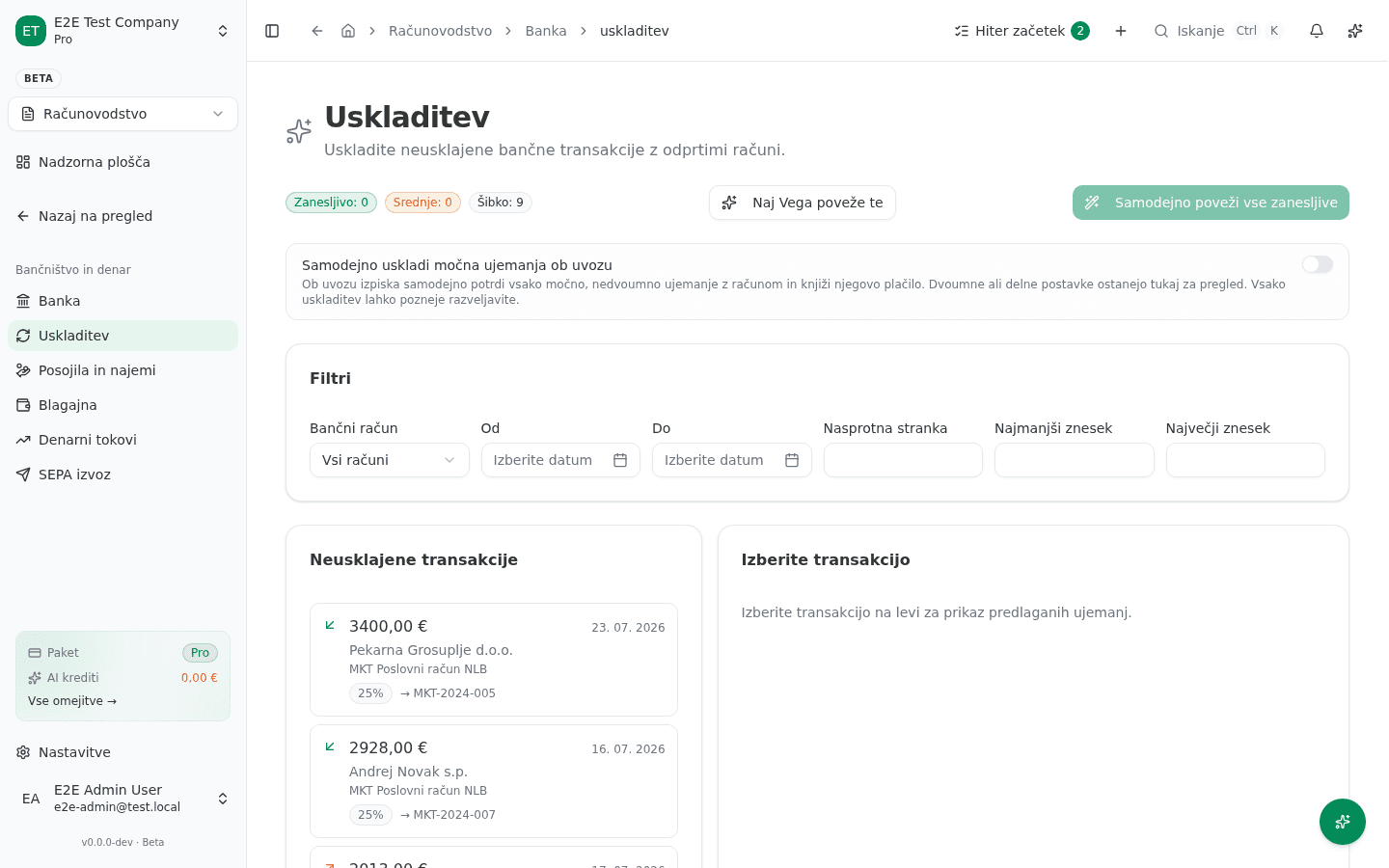
For high-confidence matches, Samodejno poveži vse zanesljive (“Auto-link all confident matches”) confirms every strong, unambiguous match in one click. Naj Vega poveže te (“Let Vega match these”) hands the weaker/ambiguous ones to the AI agent to propose — you still confirm before anything posts. Nothing reconciles itself silently.
You can also turn on Samodejno uskladi močna ujemanja ob uvozu (“Auto-reconcile strong matches on import”) so future imports confirm their strong, unambiguous matches immediately; ambiguous or partial items still land in this inbox for review, and any auto-match can be reversed later.
Unmatched transactions
Transactions that don’t match anything (bank fees, transfers between your own accounts, payments with no reference) can be booked manually against the right account with Knjiži na konto (“Book to account”) rather than leaving them unreconciled indefinitely.
Troubleshooting a missed match
If a payment that should have matched didn’t:
- Check the counterparty’s IBAN is saved on the contact record — a missing or outdated IBAN is the most common reason a match candidate doesn’t appear at all.
- Check the invoice’s payment reference was included correctly on the outgoing invoice — if your customer’s bank stripped or altered it, the reference match will fail and you’ll need to confirm the IBAN/amount candidate manually instead.
Common issues
- A transaction shows “Ni ujemanja” (No match) with no candidates at all. The counterparty isn’t recognized as an existing partner and no open invoice/expense matches the amount — book it manually with Knjiži na konto if it isn’t tied to a document.
- The same transaction re-appears after confirming a match. Check you confirmed the candidate on the right pane rather than just selecting the transaction on the left — selecting only shows suggestions, it doesn’t confirm one.